Browse workflows
Record stock activity with the context your team needs.
Use product, receiving, adjustment, transfer, and inventory-movement workflows to document what changed and why.
FOR INVENTORY AND PURCHASING TEAMS
How the workflow works
- 01
Receive stock
Create a stock receipt when items are received into inventory.
- 02
Record a correction or transfer
Use an adjustment for a recorded correction and a stock transfer to move stock between branches.
- 03
Review movement history
Use inventory movements to understand the source and direction of a stock change.
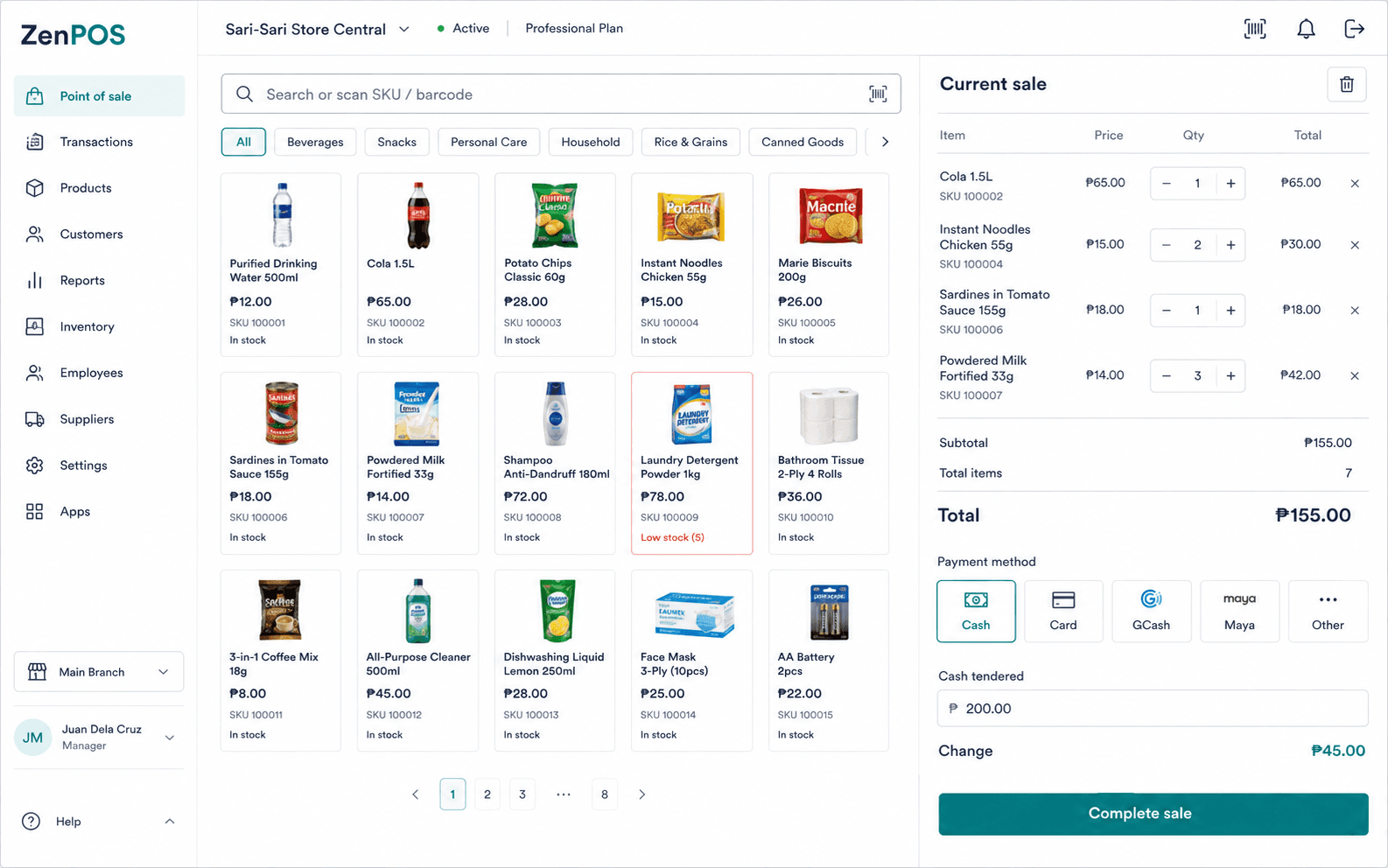
Use this workflow with the right context.
- Use a stock receipt when inventory is received.
- Use an adjustment only for a recorded stock correction.
- Confirm source branch, destination branch, and quantities before initiating a transfer.
Confirmed capabilities
Stock operations
Manage stock receipts, adjustments, and transfers using their distinct workflows.
Inventory movements
Review records of stock changes for the applicable workflow.
Terms and prerequisites
What is a stock receipt?
A stock receipt records inventory received into stock.
How is an adjustment different from a transfer?
An adjustment records a stock correction. A transfer moves stock between branches.
Set up your benta workspace.
Start with your organization, main branch, and first terminal.