Browse workflows
Set a clear operating context for each branch and terminal.
Manage organization branches, POS terminals, and role-based staff access while using the reporting scope provided by the current workspace.
FOR GROWING MULTI-LOCATION OPERATORS
How the workflow works
- 01
Set up locations
Create and manage branches within the organization according to current limits and permissions.
- 02
Associate terminals
Manage POS terminals in their associated branch context.
- 03
Review the operation
Use implemented reporting and access controls without assuming unconfigured data is universally visible.
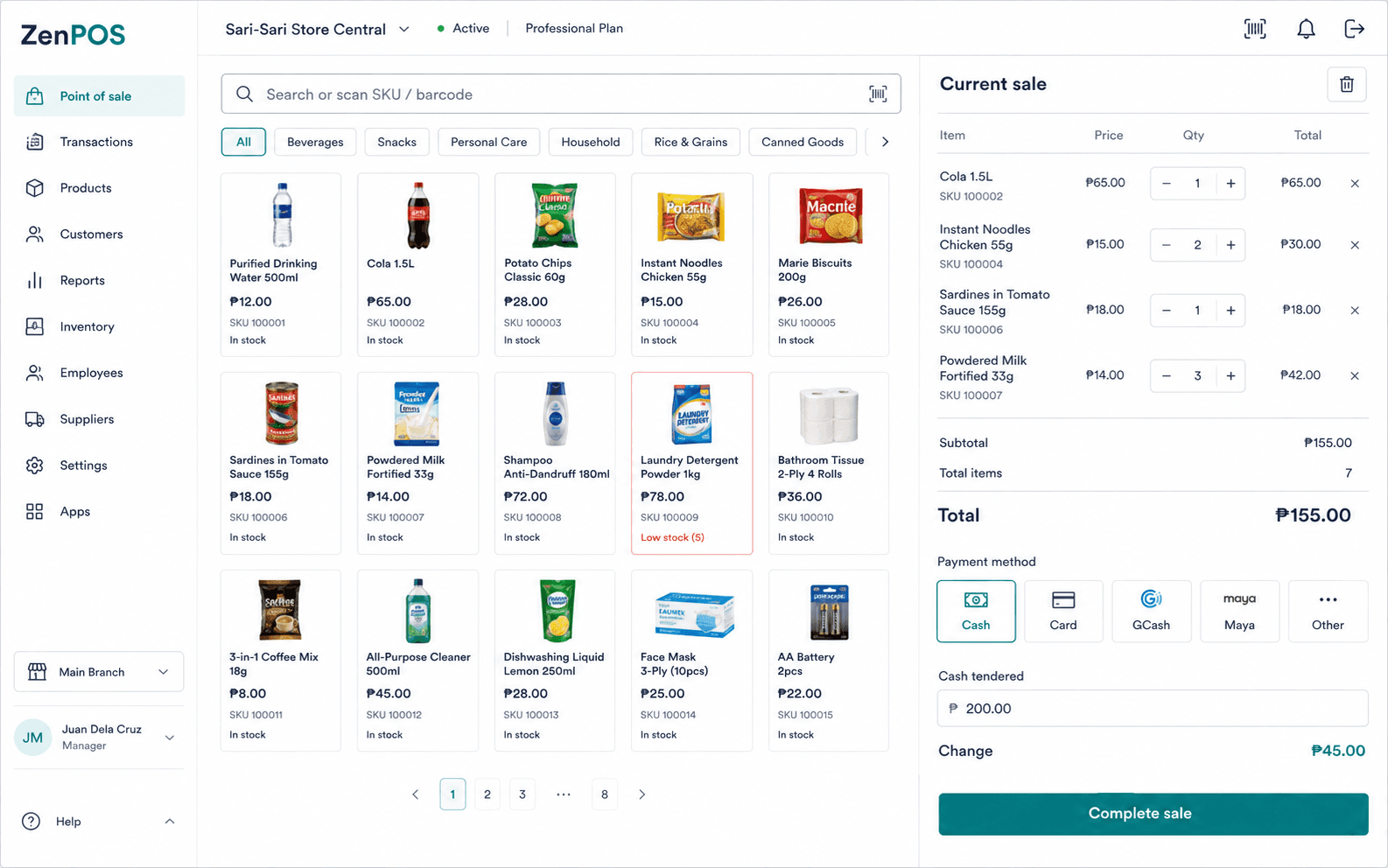
Use this workflow with the right context.
- Confirm the active organization before administering locations.
- Add branches and terminals only within current plan limits and permissions.
- Check each report's stated scope before using it.
Confirmed capabilities
Branches and terminals
Manage operating locations and their POS stations.
Role-based access
Set access through the roles and permissions configured for the organization.
Terms and prerequisites
What is the difference between an organization and a branch?
An organization is the business workspace. A branch is an operating location within it.
Do all reports have the same scope?
No. Use the scope stated by the current workspace report and its branch or organization context.
Set up your benta workspace.
Start with your organization, main branch, and first terminal.