Browse workflows
Move an order from table to kitchen with clear operational context.
Use the restaurant workflows for tables, orders, modifiers, kitchen tickets, and recipe-stock deductions where they are configured for the organization.
FOR RESTAURANT OPERATORS
How the workflow works
- 01
Set the service context
Start with the relevant dining table or order context.
- 02
Build the order
Record ordered items and applicable modifiers before the order moves forward.
- 03
Send and review
Use kitchen tickets and the configured recipe workflow to support service operations.
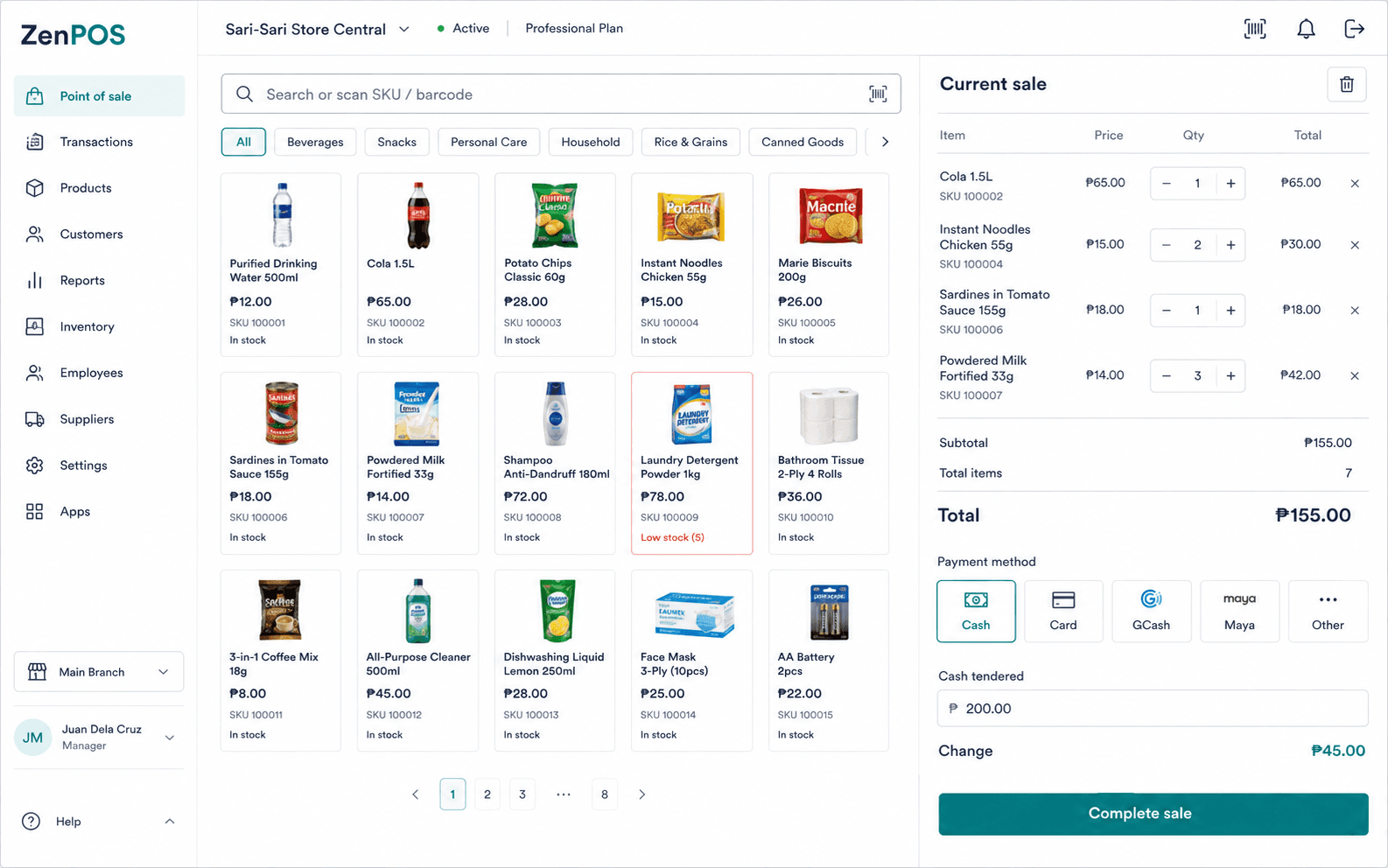
Use this workflow with the right context.
- Confirm the applicable table or order before adding items.
- Choose configured modifiers before the order is sent onward.
- Review the kitchen-ticket status using the implemented restaurant workflow.
Confirmed capabilities
Kitchen tickets
Create kitchen-ticket workflows for restaurant orders.
Tables and orders
Manage dining tables and restaurant order records.
Terms and prerequisites
What is a kitchen ticket?
A kitchen ticket is the restaurant workflow record used to pass an order into kitchen operations.
What are modifiers?
Modifiers are configured choices applied to restaurant order items.
Set up your benta workspace.
Start with your organization, main branch, and first terminal.